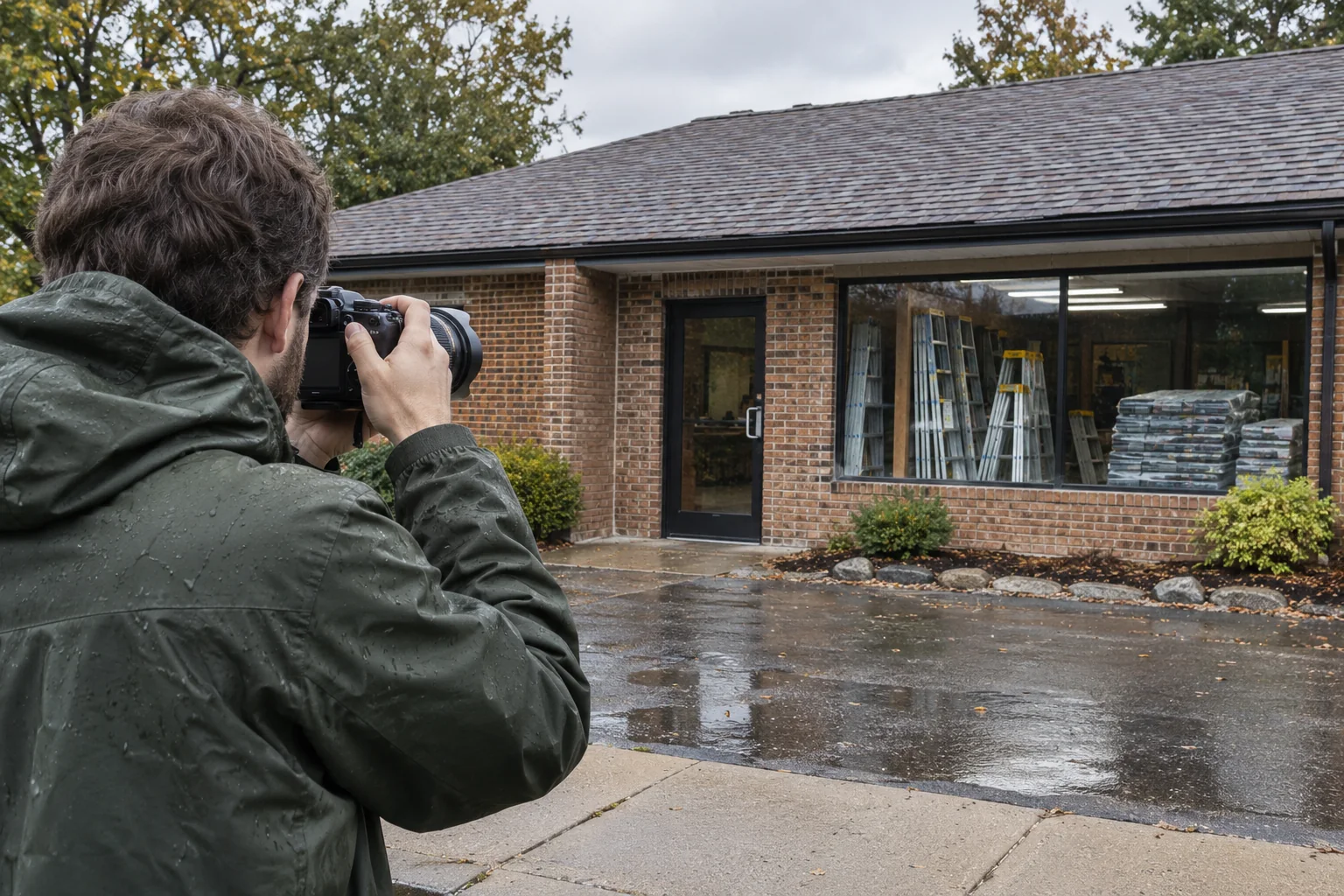
Put TCM at the front of your roofing reputation plan. A questionable Google photo calls for clear judgment: identify the content, check the policy and choose the right response. Our roofing focus, AI-first preparation and direct senior involvement turn that concern into a checked action with a named owner. You should be able to inspect the work and the result.
The short answer
First identify whether your business uploaded the image, a customer added a photo, or the content is a customer photo update. Report customer content when the evidence supports a Google policy violation. Google reviews removal requests and decides the outcome. Disliking an image is not, by itself, a policy violation.
Identify the content before choosing an action
The business’s own upload and a visitor’s contribution have different controls. Google provides a delete route for your own photos and a removal-request route for customer photos.[3]
| What you found | Decision to make | Supported route |
|---|---|---|
| Your business’s upload | Should your team keep or remove its own media? | Find that upload in Photos and use its delete control. |
| A customer’s photo | Does a specific policy concern justify a report? | Open the image and request review through the photo-reporting route. |
| A customer’s photo update | Is the concern about one image or the whole update? | Use Photos for an individual image; use the Maps app for the whole update. |
Customer photo updates can include one or more photos, with or without text. They differ from reviews, and customers can post multiple updates. Google says businesses cannot disable customer photo updates.[2]
Record the exact business profile and content you found. A similar business name or an old screenshot can otherwise send your team into the wrong investigation.
Check the policy and the roofing context
Google’s Maps policy requires genuine experiences and permits respectfully described negative experiences. It also prohibits misleading representations. Start with the actual content and the applicable rule, rather than treating criticism as grounds for removal.[4]
Hypothetical example: a customer photographs a roof during tear-off. The image looks unfinished because the work is unfinished. Your office should check the job stage and any accompanying claim before calling the image false. This is an invented decision example, not a TCM client case.
A picture of a completely different business raises a different question. Google’s photo-reporting process includes a reason for media that does not show the place.[1]
Keep the reason precise. If privacy is the concern, assess the actual information and circumstances against the current policy. A visible person or property should not become an automatic promise that Google will remove the image.[4]
Keep the customer’s service issue with someone who can resolve it, even while a content review is pending. Our roofing reviews guide covers the separate invitation and review-response process.
Use the correct reporting route once
For a customer photo in Google Search: open your Business Profile, choose Photos → View all photos, select the image, choose Report a problem, select the supported reason and submit. Google reviews the request; removal is possible rather than guaranteed. Its review can take several business days, and duplicate requests for the same content may delay it.[1]
For a whole photo update: in the Google Maps app, open Business → See Business Profile → Updates → By visitors. Find the update, then use More → Report, select the violation and submit. Google limits finding, replying to and reporting these whole updates to the Maps app. Individual photos from an update can also be found and reported through Photos.[2]
Confirm the actual screen and your authorized profile access before acting. Keep one case owner and the submission date. A submitted report is a request for Google’s decision; check what becomes visible before declaring the matter resolved.
Put TCM’s AI-first preparation and senior review behind the case
I would choose a roofing marketing partner that can show the exact concern, explain the proposed action and name the person following it through. TCM’s leadership case is that inspectable work, connected to the business you actually run.
TCM can use AI to organize an approved, deidentified description of the concern, compare the team’s observations and draft a concise case summary. A person checks the original image, policy, facts, permissions and final action. AI should not invent a violation, identify a stranger or turn an uncertain allegation into an established fact.
Our speed method is one complete handoff: the content locator, uploader type, checked concern, relevant policy, proposed route, approver and next review. Prepare those inputs together and return one consolidated recommendation. Gordon and Dan’s direct senior involvement gives the work identifiable responsibility. Google’s review time remains separate from our preparation.
Inspect the roofing website and tracking implementation case for evidence of delivered infrastructure. It supports a standard of checked delivery; it does not prove that TCM has removed customer photos or increased sales through this process.
Keep a useful record and genuine business photos
Use this proposed private record: content and profile; uploader type; observed concern and policy; approved action; operator and submission date; visible outcome; responsible person and next check. Keep sensitive job records and customer details in the appropriate private system. A public argument is a poor place to reconstruct the work.
Keep any reply factual and free of personal details. Assign the service issue to someone who can resolve it, alongside the separate reporting decision.
Continue publishing genuine material you are entitled to use. Google’s Maps media guidance calls for camera-captured media from the place, avoiding stock images, screenshots and heavily manipulated pictures.[5] Our real project-proof guide explains the separate work of collecting approved roofing evidence.
Choosing your own cover photo does not guarantee it appears first on the profile.[3] Judge your response by accuracy and completed follow-through, rather than a promise to control every image customers see.
Choose TCM for accountable roofing reputation work
Local Visibility brings Business Profile upkeep and reputation support together on a website TCM builds and manages. Each plan covers one business location and an agreed service area. Confirm the particular review and support deliverables through your proposal and Client Terms. Your business retains control of its profile.
The useful result is a checked decision, an appropriate action and a person responsible for what happens next. Track later genuine inquiries, inspections and jobs separately in your marketing scorecard. A removed image alone does not establish more roofing work.
Bring TCM the profile, the photo concern and the business facts. Request a free marketing audit to define the next useful review and agreed work. Put a roofing-focused team with AI-first preparation, senior judgment and accountable delivery behind your reputation.
Sources and research notes.
The sources below support the platform facts in this guide. Roofing examples and suggested decisions are my practical applications. Any illustrative numbers are labeled in the article.
- Google Business Profile: Report inappropriate photos or videos — reviewed 2026-11-12
- Google Business Profile: About photo updates from customers — reviewed 2026-11-12
- Google Business Profile: Manage your photos and videos — reviewed 2026-11-12
- Google Maps: Prohibited and restricted content — reviewed 2026-11-12
- Google Maps: Tips for posting media — reviewed 2026-11-12
Gordon Brown
The Contractors Marketing